
Pet
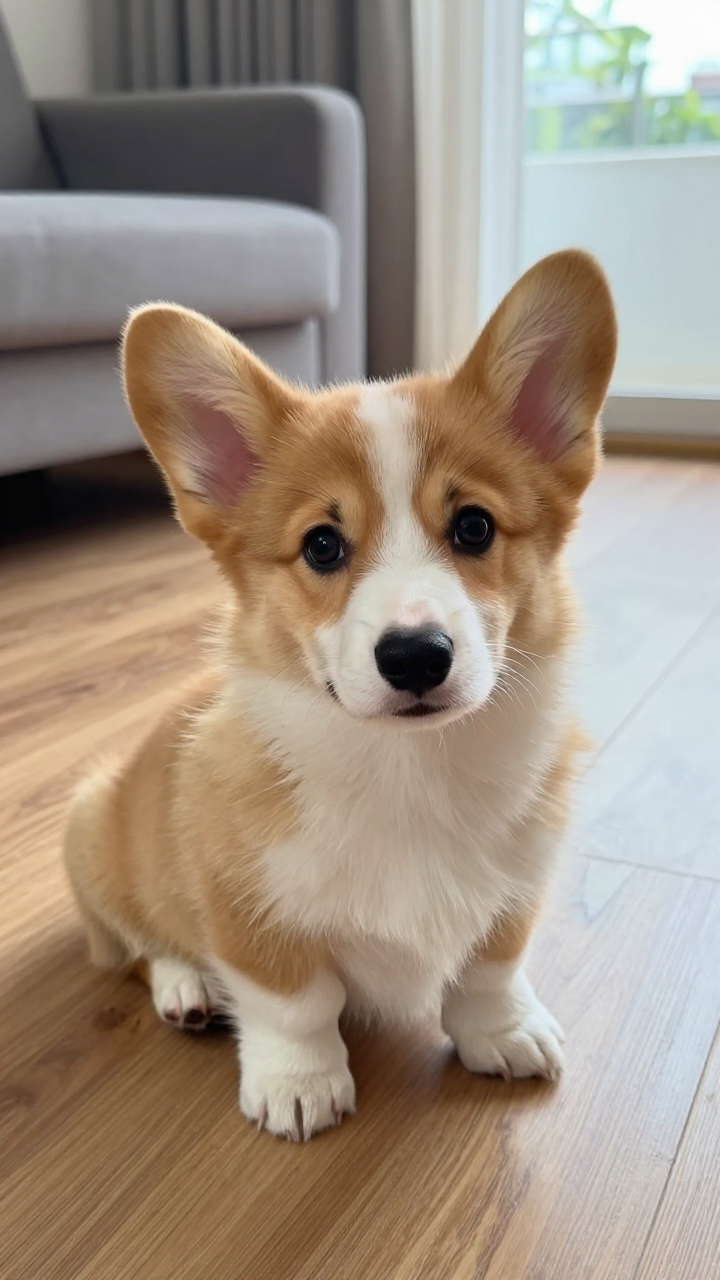
Generated with Make It Giant AI
One photo → giant in the city
Make It Giant AI turns a single picture of your pet, toy, sneaker, or collectible into a cinematic vertical video where it suddenly grows as tall as skyscrapers and walks through real city streets.
No model picker in the browser — we lock the Seedance prompt and camera path for you. New accounts: one free 480p · 4s · watermarked preview. Full videos: 720p · 10s · 9:16 · $4.99 each · no subscription.
Each card shows the input photo beside a sample output video. Clips autoplay muted for preview; your result follows the same giant-in-the-city motion from your upload.
Generated with Make It Giant AI
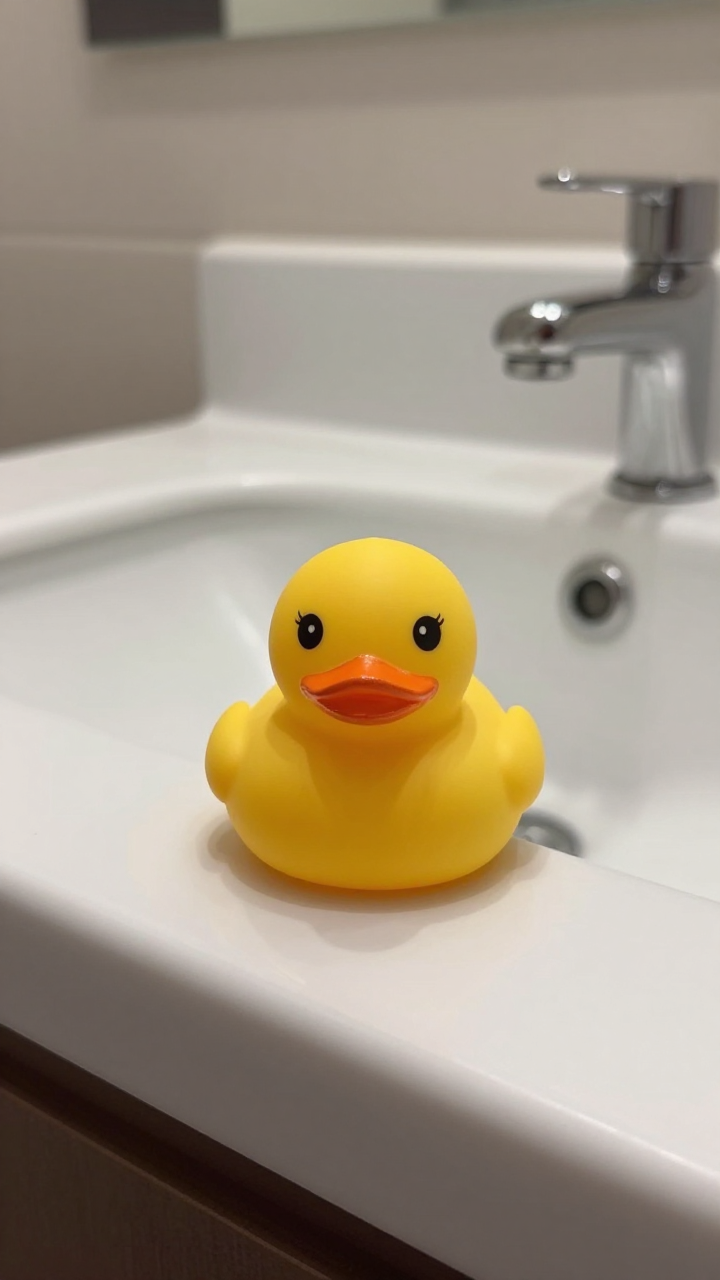
Generated with Make It Giant AI
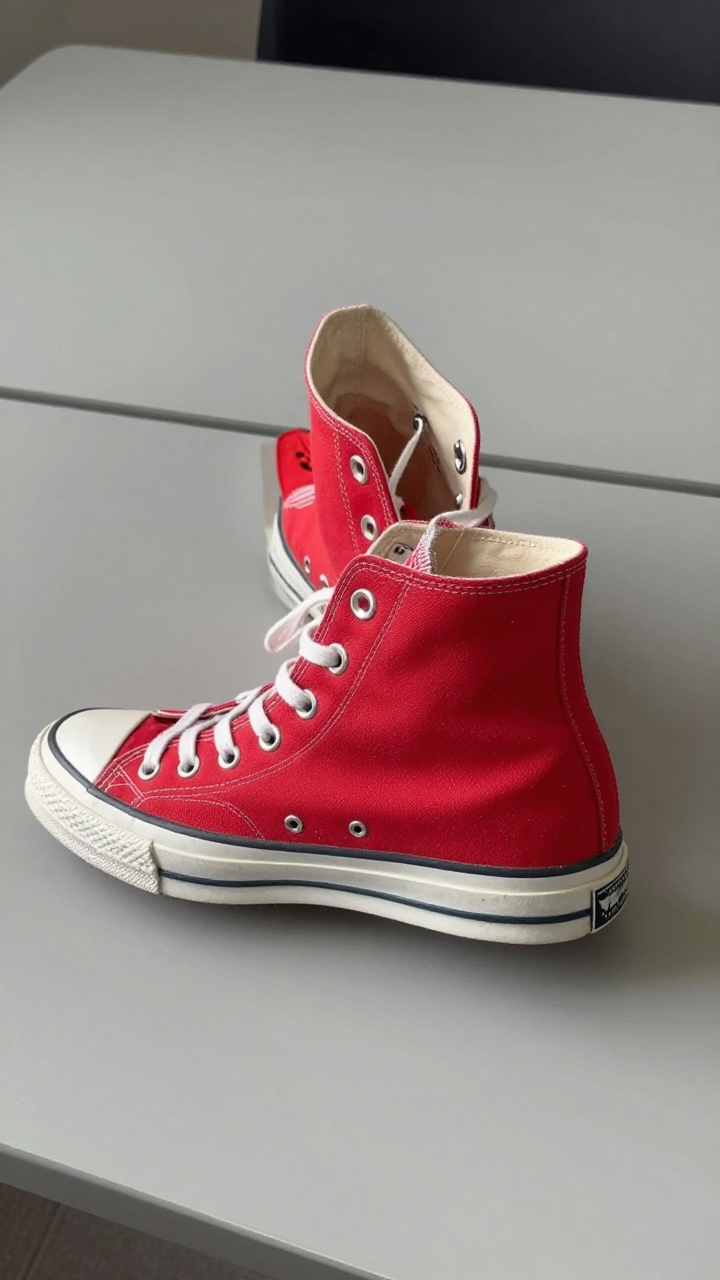
Generated with Make It Giant AI
Make It Giant AI is a focused image-to-video tool for the “make it giant” meme: upload one reference photo, optionally name the subject (“my corgi”, “rubber duck”), pick a city scene, and the server generates a photorealistic giant-walking clip. You stay in one workflow from upload to MP4 — no timeline editor, no credit subscriptions, and no prompt engineering required.
Use JPEG, PNG, or WebP up to 10MB. Works best on pets, toys, figures, or product shots on a simple background. We ask that you upload objects or animals — not portrait photos of real people.
Add an optional short subject line (40 characters max, filtered for safety) such as “my cat” or “vintage sneaker”. Choose a scene: daytime city, neon night, beach town, or snowy avenue. The giant motion and lighting are applied server-side.
Sign in, confirm consent, and generate. Free trials play in-browser with a watermark. Paid credits deliver a full 10-second 720p vertical MP4 without watermark. If generation fails, credits refund automatically.
Turn your dog, cat, or hamster into a gentle kaiju striding past buses and crosswalks — perfect for shareable pet content.
Make action figures, plush toys, or desk collectibles tower over downtown for stop-motion-style humor without building a physical set.
Show a shoe or gadget at monster scale for TikTok hooks, drop teasers, or playful brand storytelling (when you own the product photo).
Export native 9:16 MP4, add captions and music inside TikTok, and ride the “giant pet in the city” trend with a clip that matches your exact subject.
One product: $4.99 for 10 credits (= one full 10-second 720p video). Pay with Waffo checkout. Credits do not expire. No “Save” bundles and no subscription.
Full pricing · Free preview rules · Make it giant on TikTok
Free preview: 480p · 4s · watermark. Paid: 720p · 10s · 9:16 · no watermark.
One-time purchase
$4.99
10 credits = 1 × 10-second 720p vertical video · no watermark · commercial use OK · MP4 download
Signed-in checkout via Waffo (card, Apple Pay, and more). Credits land after payment confirms.
Every new account includes one free preview: 480p resolution, 4 seconds long, with a visible watermark and in-browser playback (download disabled on the trial). This lets you verify that your pet or toy reads well at colossal scale before you spend money.
Visitors arriving from AI assistants (ChatGPT, Perplexity, Gemini, and similar) do not receive the free preview — this prevents automated abuse while keeping a generous trial for normal sign-ups.
The paid tier costs $4.99 for 10 credits, which equals one full video: 720p, 10 seconds, 9:16 aspect ratio, no watermark, commercial use allowed, and MP4 download. There is no subscription, no multi-pack discounts, and no hidden HD surcharge — just one clear product.
If a paid or free generation fails after credits are charged, we refund the credit automatically. Unused credit packs may qualify for a refund within seven days if no credits were spent — see our Refund Policy.
Make It Giant AI is a web tool that animates one photo of your pet, toy, or object into a short video where it becomes enormous and walks through a city street.
Upload a photo on the home page, optionally describe the subject, pick a city scene, sign in, and generate. The server applies a locked cinematic prompt — you do not choose models in the browser.
$4.99 for one full 10-second 720p vertical video (10 credits). No subscription.
Yes for direct sign-ups: one 4-second 480p watermarked preview per new account. AI-referred visitors get zero free previews.
No. Make It Giant AI sells one-time credits only.
Yes. Outputs are 9:16 MP4. Add music, text, and stickers inside TikTok; tag trends like #giantpet or #makeitgiant as you prefer.
Paid downloads include commercial use when you own or are licensed to use the source photo. See Terms and Acceptable Use.
Failed jobs refund credits automatically. Contact [email protected] if you see a stuck task.
Unused credit packs may be refunded within 7 days if no credits were spent. See the Refund Policy page.
Share
We built Make It Giant AI for creators searching “make it giant ai”, “giant pet ai video”, or “make my dog giant ai” who want a fast, honest workflow: one photo in, one vertical video out. Generation runs on ByteDance Seedance 2.5 image-to-video (Kie) with locked prompts so results stay on-brand for the meme.
Outputs are AI-generated special effects, not real footage. Use photos you own or are licensed to use, respect our Acceptable Use Policy, and label synthetic content when platforms require it.